


Slides work like scenes
In the image tab, slides work the way scenes do in a reel. One slide is a single image. Add a second and it becomes a carousel. Add, duplicate, reorder or remove slides as you go.
- Write the topic, or the slides. Open “From your idea to slides”, write the topic, and the whole carousel is written for you. Or skip it and add the slides by hand.
- Pick a template and a background. One background is shared by every slide, so the set looks like one piece. Switch on “Own background” for a slide that should stand out.
- Number the slides. Turn on slide numbers and they are filled in for you, so people know how far they have swiped.
- Download. Save every slide as an image for Instagram, or as one PDF for LinkedIn, where it shows as a swipeable carousel.
Slides in Instagram portrait size
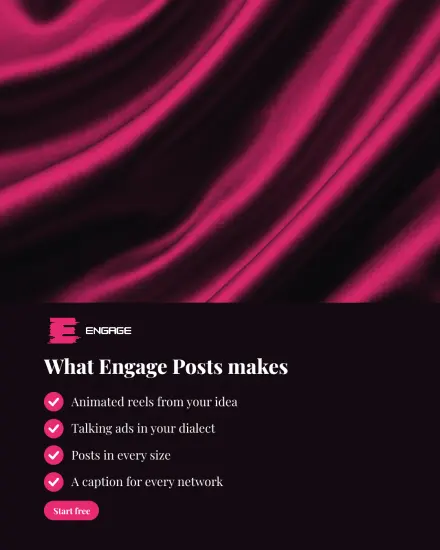
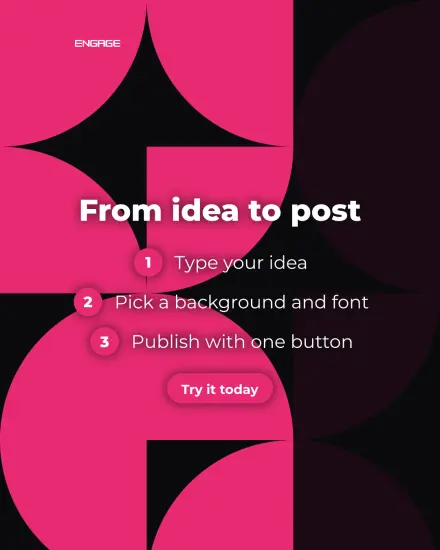
Posters made in the studio in 4:5, Instagram’s portrait size. Each is about Engage Posts itself.


What makes a carousel worth swiping
- A cover that promises something. The first slide decides whether anyone swipes. Say what they will get, not what the post is.
- One idea per slide. If a slide needs two paragraphs, it is two slides.
- Short lines, large type. People read carousels on a phone, and quickly.
- A last slide that asks for something. Save, share, follow, or visit your site.
- A caption that teases. Generate it for Instagram or LinkedIn under the result.
Layouts help: a list, steps, a big number, a testimonial, a comparison or a question and answer, each in your brand colours. More on templates and backgrounds on the Arabic poster maker page.
Arabic carousels, right to left
Arabic slides are set right to left with joined letters and your Arabic font, and a Latin brand name inside an Arabic line stays where it belongs. Make the same carousel in English for a second audience, with your English font.
Prefer video? Turn the same idea into a reel with the Arabic reels maker.